Any page size
A3–A6, Letter, posters, business cards — or your own custom size.

Make flyers, newsletters, posters, cards and leaflets right in your browser. Nothing to download, and nothing leaves your computer.
Open Simply DTPWorks best in Microsoft Edge or Google Chrome.
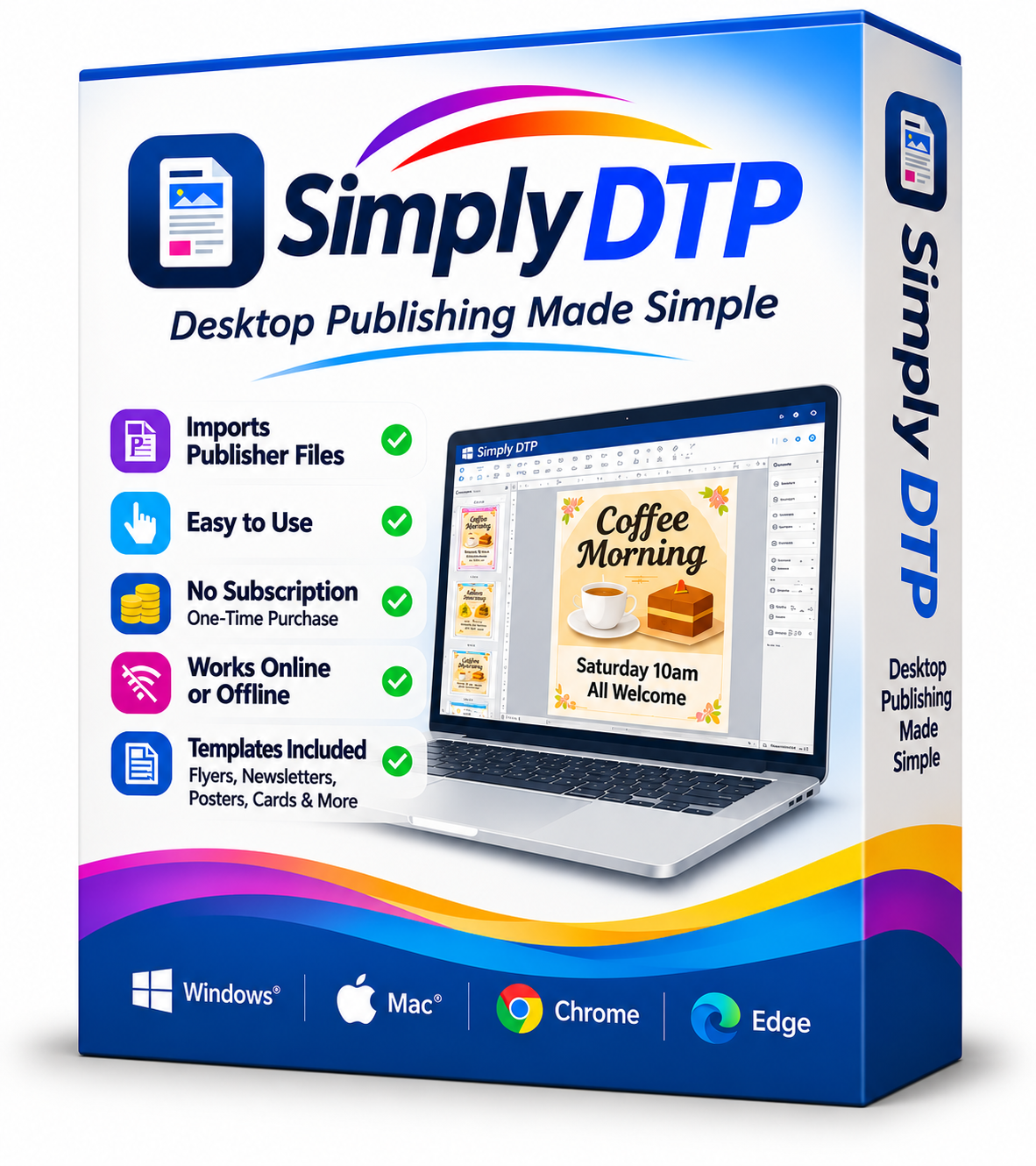
Microsoft Publisher has been retired, but your creativity hasn’t. Simply DTP is a simple, familiar way to keep making the printed documents you love — from the village newsletter to a birthday invitation.
Your old files come too: open Publisher (.pub) files directly with File → Open, and carry on editing them.
A little of everything you need
Familiar tools for all the things you want to make.
A3–A6, Letter, posters, business cards — or your own custom size.
From a single flyer to a whole newsletter, all in one document.
Get everything in the right place with familiar layout tools.
Line things up neatly with snapping and alignment guides.
Make it your own with the fonts already on your PC.
Add your pictures and crop them to fit your design.
Add a little structure, a splash of colour, or a finishing touch.
Keep timetables, lists and information clear and organised.
Let your words flow around pictures and shapes.
Keep things together and put everything in its place.
Leaflets, folded cards, newsletters, business cards — and your own templates.
Take your design from screen to paper, ready to share.
At home on your desktop
Same Simply DTP. Its own window. Ready whenever you are.
Open Simply DTP in Microsoft Edge or Google Chrome.
Use “Install app” at the top right, or the install icon in the address bar.
It appears in your Start menu, opens in its own window and works offline.
Everything is saved on your own computer. No account, no uploads.
Just you, your ideas, and your documents.
Good to know
The little things, answered.
A fresh page and a little imagination. That’s all you need.